At the salon
A brief your tech can work from.
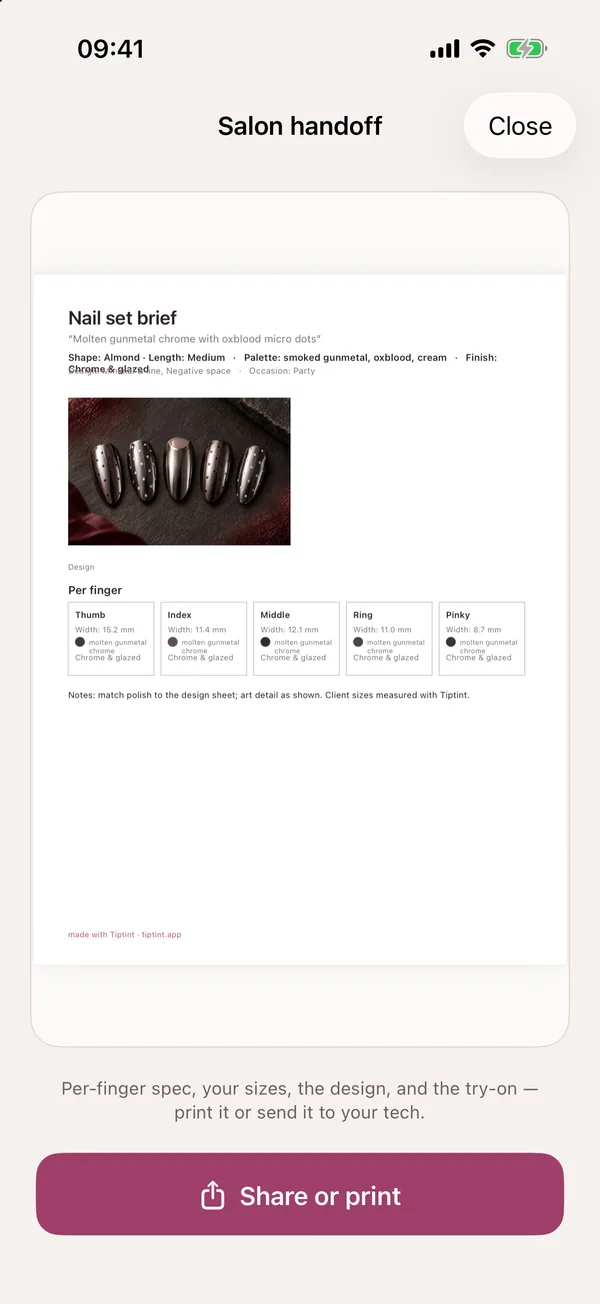
Every finger’s shape, length, colour and finish, your saved sizes, the design and the try-on, on one card. Share it or print it before your appointment.
AI nail studio for iPhone and iPad
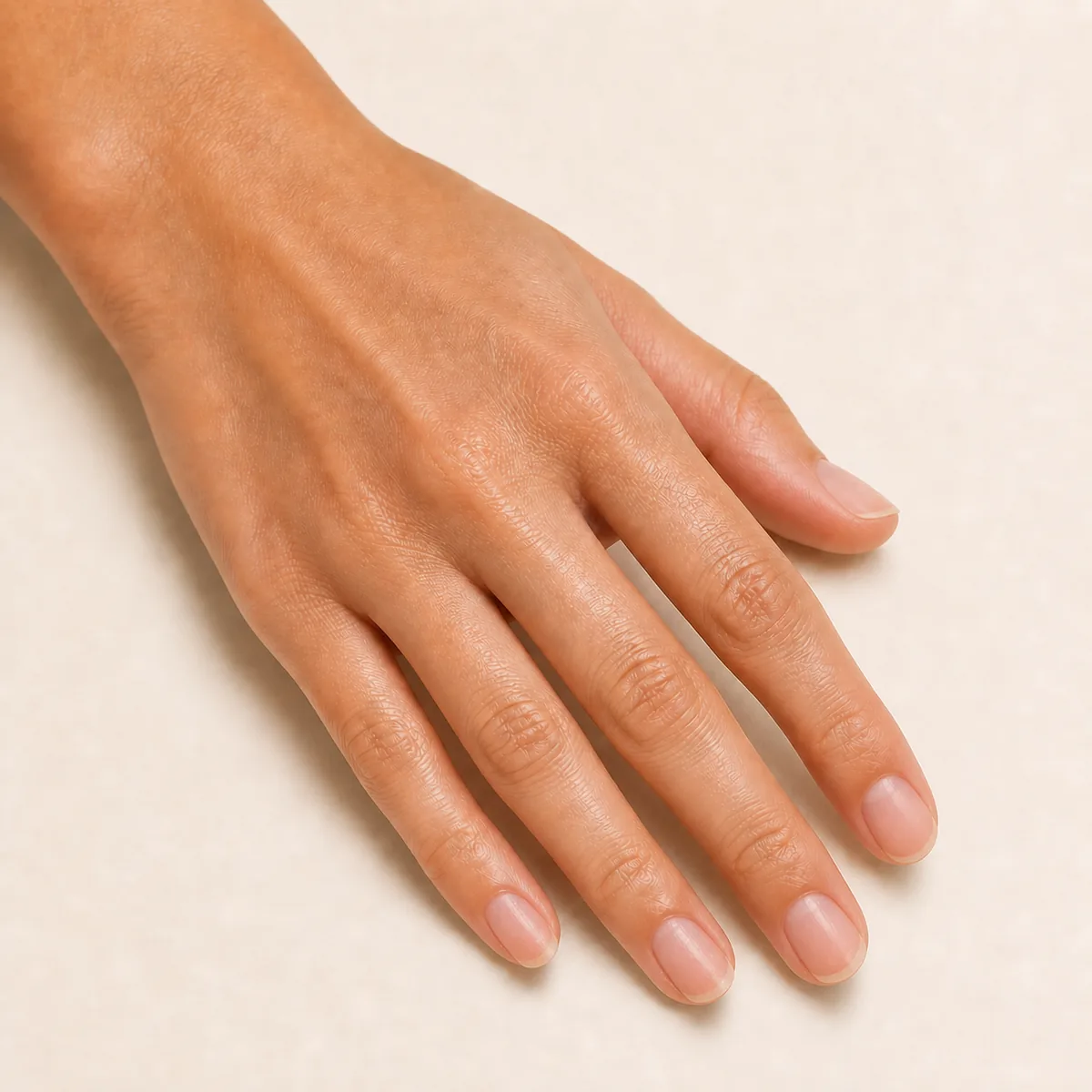
Your photo
Your photo
Choose a tip to try it on this hand.
Illustrative try-on renders.
Describe the nails you’re picturing. Tiptint designs the full set, paints it onto a photo of your own hand, then helps you get it: from your nail tech, from a press-on kit, or from your own polish.
How it works
Type it the way you’d say it to your nail tech, add an inspo screenshot, or tap Fill for me for a starting point.
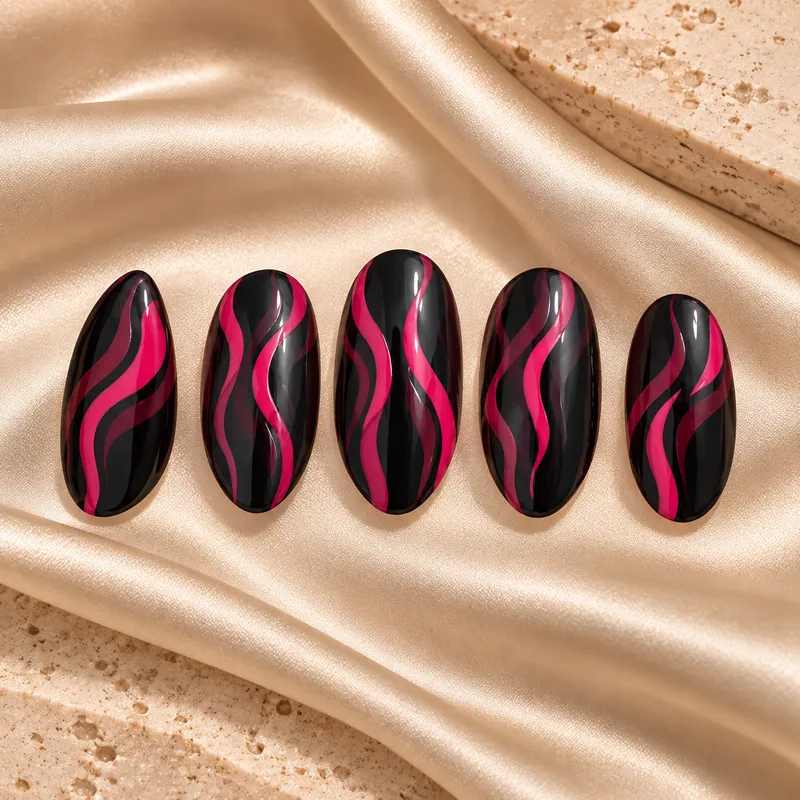
One complete design per generation: all five nails, with shape, length, finish and palette worked out together.
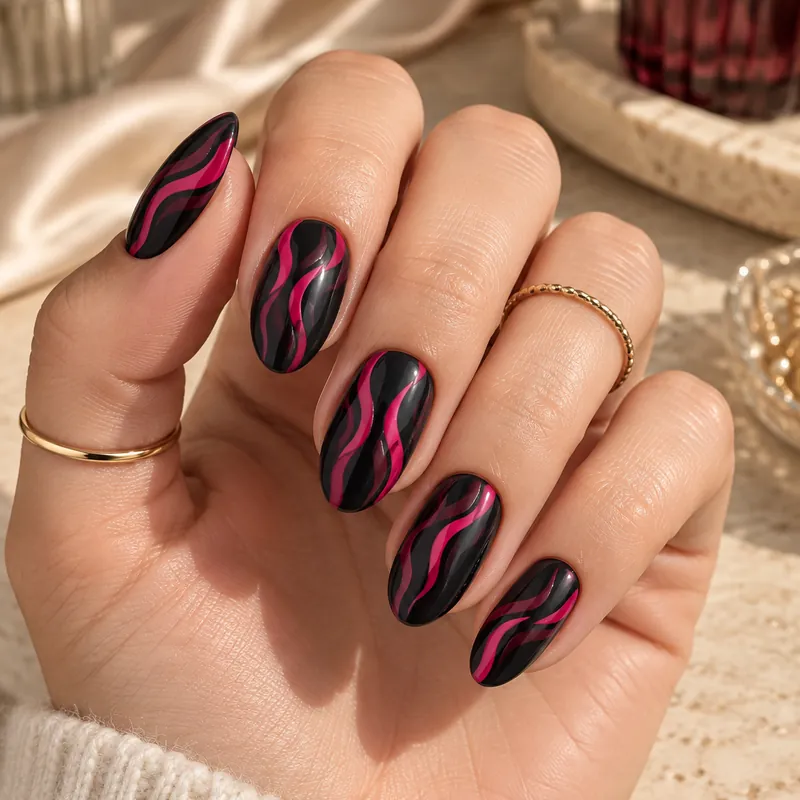 Almond · Medium
Add a photo of your hand and the set is painted onto your own nails, in your skin tone and your light.
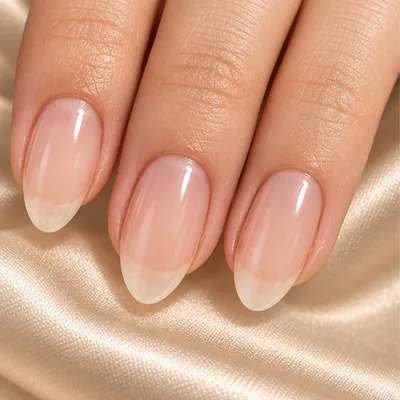
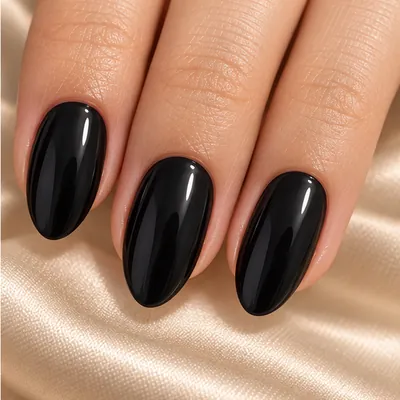
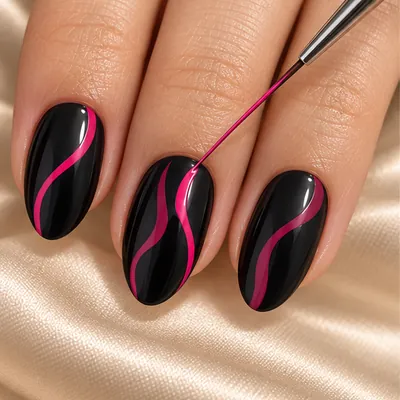
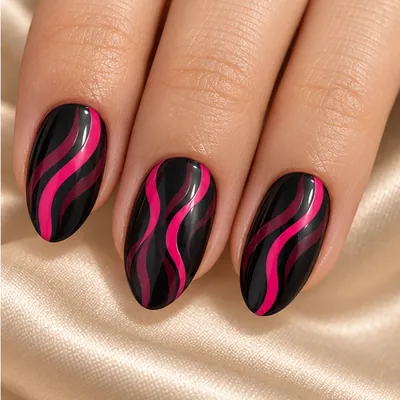
Take a brief to your salon, size a press-on kit, or follow a guide made for this exact design.
Then go get it
At the salon
Every finger’s shape, length, colour and finish, your saved sizes, the design and the try-on, on one card. Share it or print it before your appointment.
With press-ons
Measure once from a photo: any bank card next to your hand sets the scale, and the photo never leaves your phone. Then match your widths to your kit’s size chart.
At home
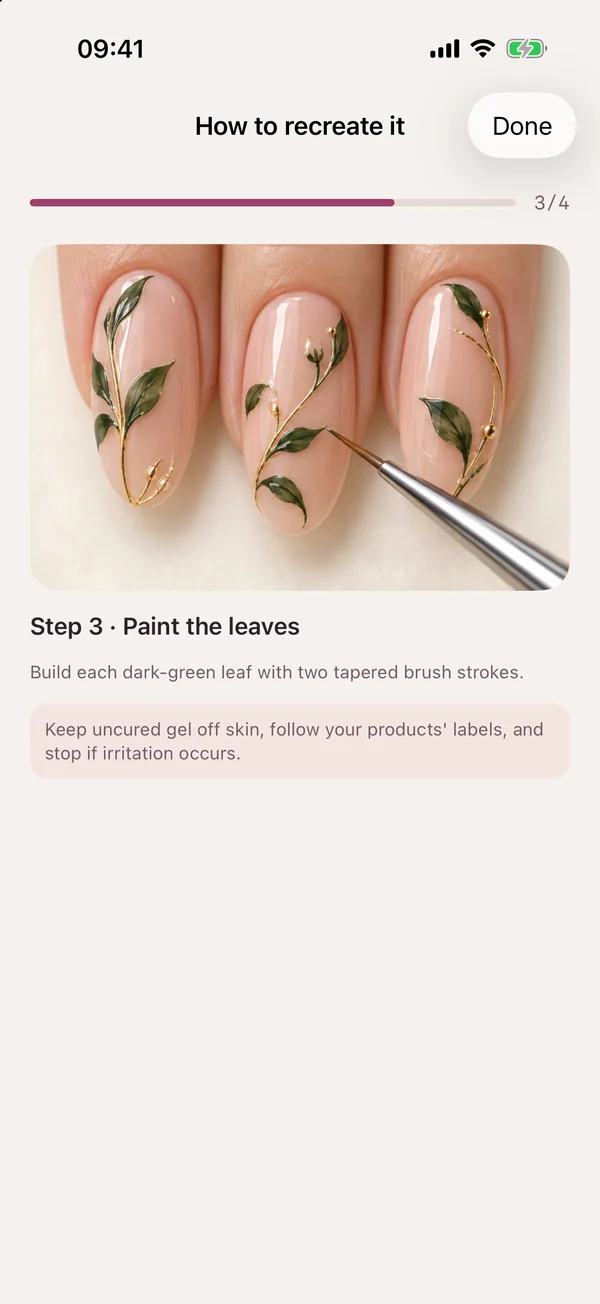
A picture for every step, planned for the set you made, whether you’re using gel, regular polish or press-on blanks.
Refine
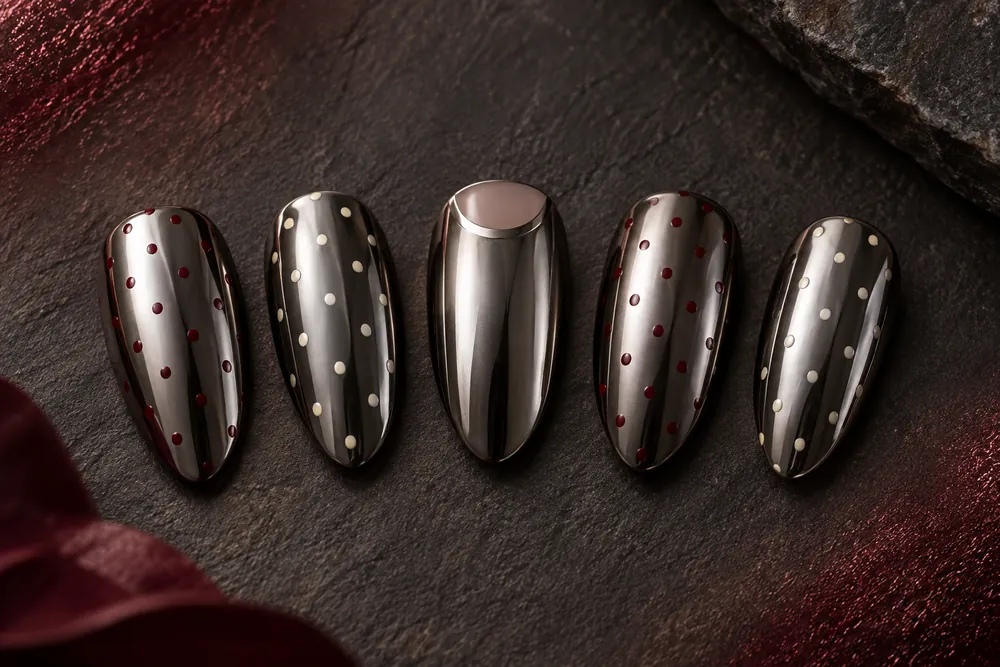
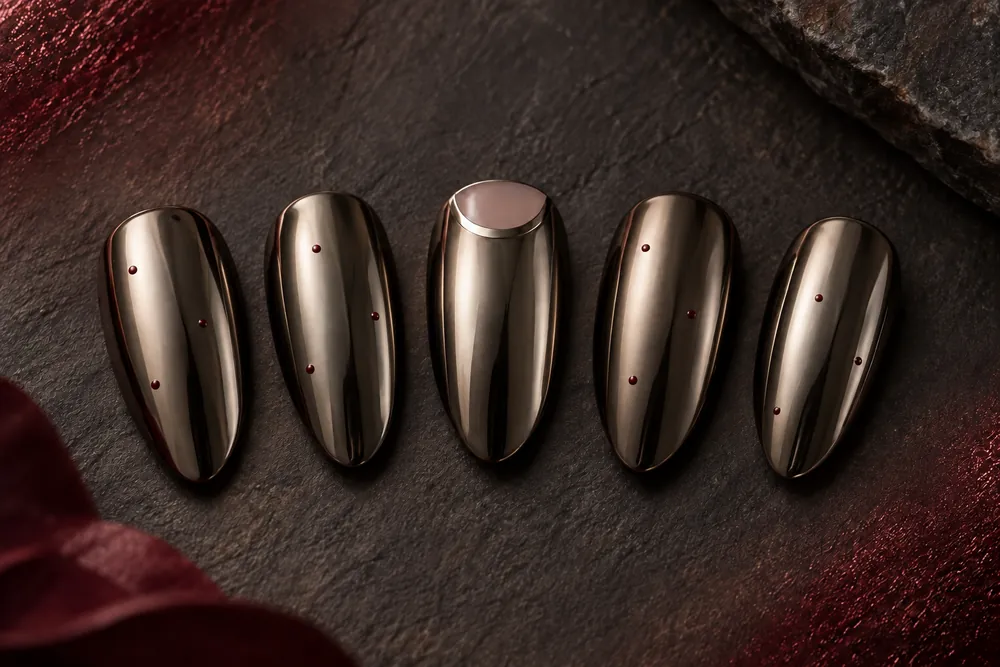
Ask for deeper tips, warmer chrome or fewer dots, and get a new version without starting over. Every version stays in the set’s history.
Torn between two looks? Put them side by side and send them to friends to vote.
Your message: warmer gunmetal, fewer dots
Explore
Explore has 100 studio looks, each with its shape, length and finish spelled out. Browsing and saving are free, and Customize makes any look yours.
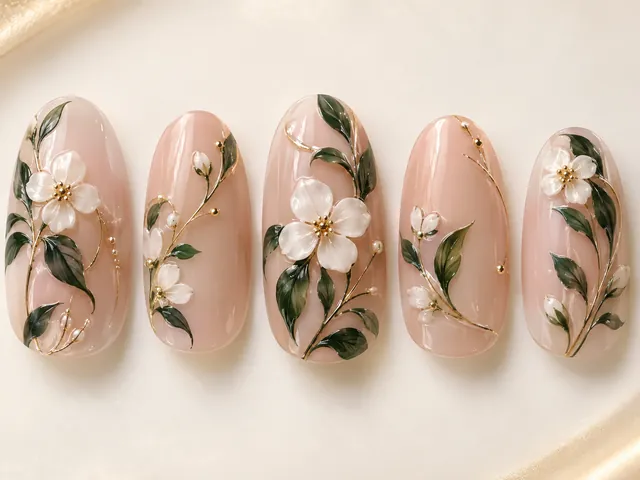
Porcelain garden
Almond · Long · Glossy
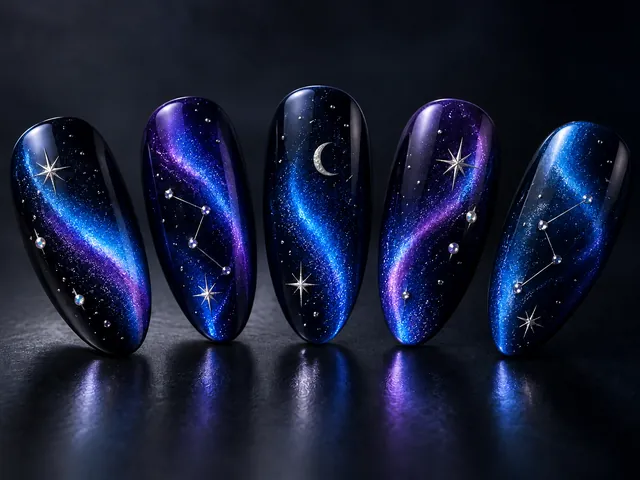
Celestial cat-eye
Almond · Long · Magnetic
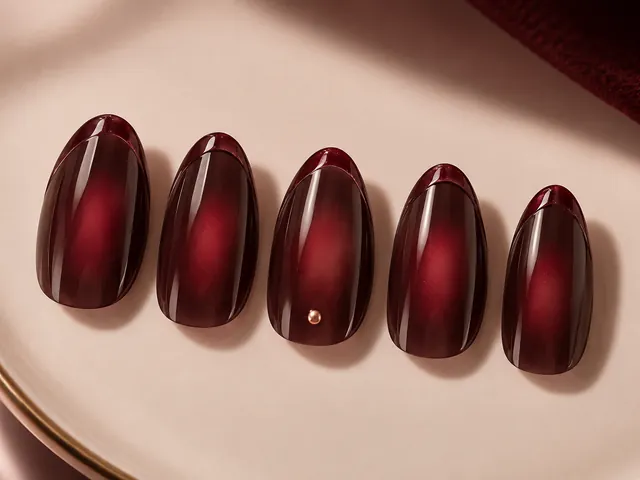
Black-cherry jelly
Squoval · Short · Jelly
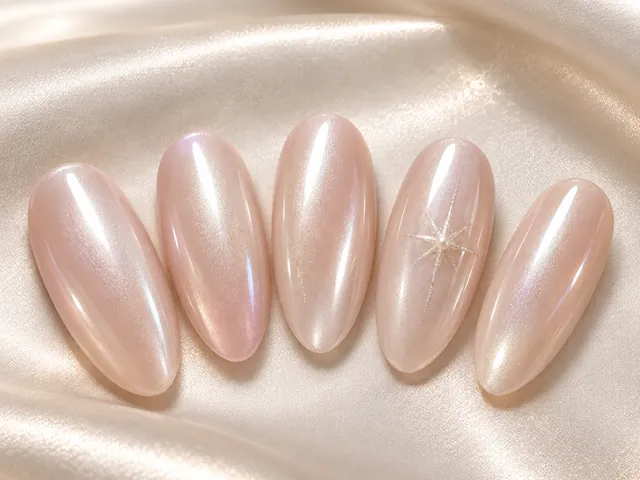
Soft pearl chrome
Almond · Medium · Chrome
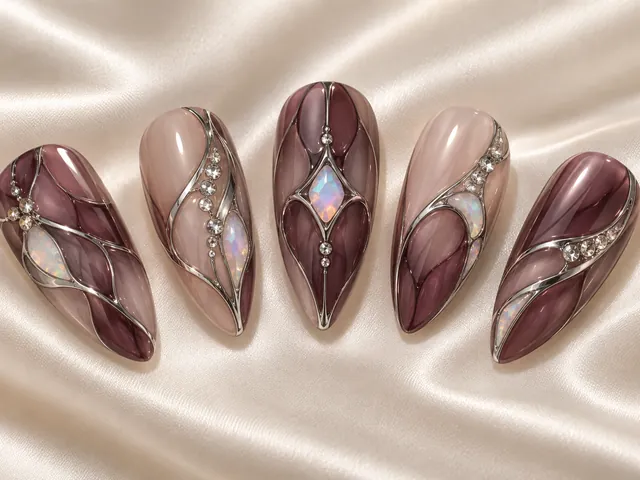
Stained glass opal
Almond · Long · Crystal
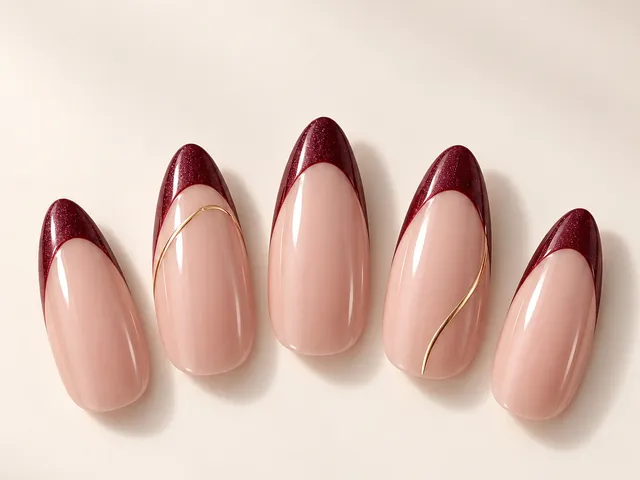
Burgundy micro-French
Almond · Long · Glossy
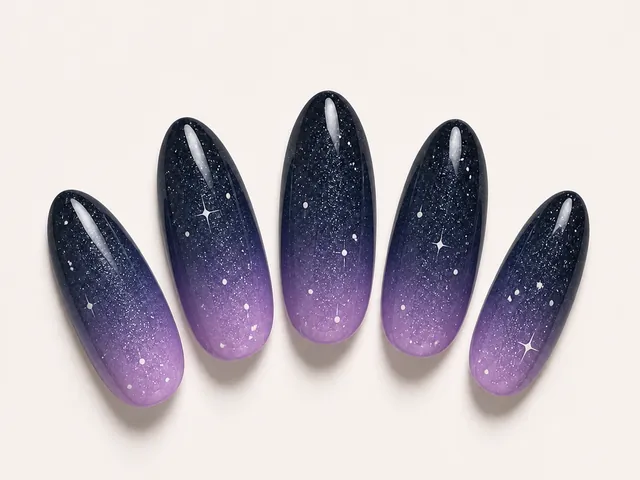
Violet galaxy ombré
Almond · Long · Glitter
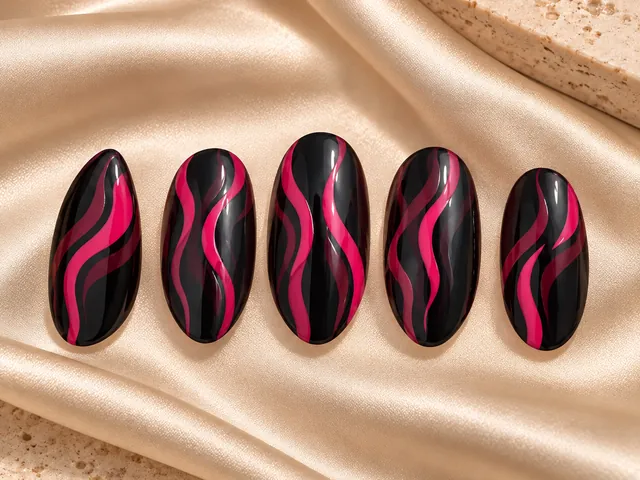
Black raspberry ribbons
Almond · Medium · Glossy
Pricing
Tiptint runs on credits, so you know what something costs before you tap.
$0.99
Your first week of Pro Weekly, with 5 credits: one design, one try-on and one guide.
30 credits a month
Weekly or yearly. Also unlocks salon briefs, press-on sizing and exports without the Tiptint mark.
10 · 30 · 50
Credits that never expire. Use them with or without Pro.
Pro renews automatically until you cancel, and there’s no free trial. Monthly credits don’t roll over. Prices appear in your currency before you buy. Full details are in the Terms of Service.
Privacy
Delete a single design or your whole account from inside the app, any time. Read the privacy policy
Your hand photo goes to Google Gemini only to paint your design onto it. It isn’t kept on our servers or in your account. Only the finished render is.
The photo you measure your nails from never leaves your device.
No email, name or password required. Your account is tied to your App Store purchase.
Tiptint has no ads and doesn’t track you across other apps or websites.
Anything else? Write to support@tiptint.app or see Support.
No. A filter lays a sticker over your nails. Tiptint renders the set onto your actual photo, following your nail beds, fingers, skin tone and light.
An iPhone or iPad with iOS 18 or later. For try-ons, a clear photo of your hand with your nails in view.
That’s what it’s for. It lists each finger’s shape, length, colour and finish, plus your saved sizes, the design and your try-on, on one page you can send or print.
Hold any bank card next to your hand and take a photo; the card sets the scale. Tiptint saves the widest point of each nail in millimetres. Sizes vary by brand, so match your widths to the chart that comes with your kit.
Fifty. Tiptint follows your iPhone’s language, or you can pick one in Settings → Preferences → Language.
On the App Store, for iPhone and iPad. Questions? Write to support@tiptint.app.

Tiptint is on the App Store for iPhone and iPad.